Turn insights into clear agreements on how to operate
Use AI-structured discussions that end in real commitment on how to operate more effectively as a team.
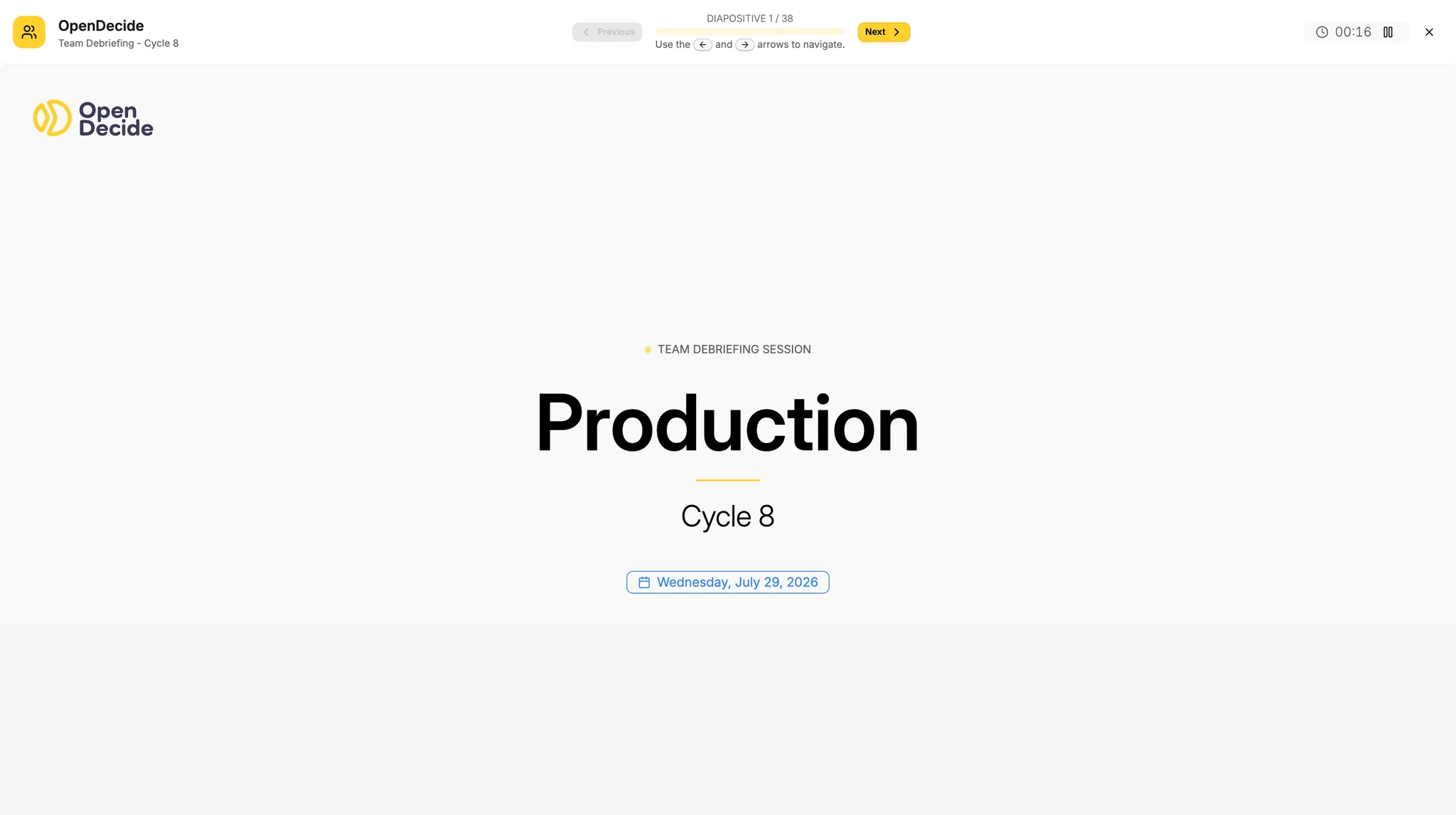
A presentation mode ready to use
Every discussion opens in a presentation mode built for the workshop room: no slides to prepare, no setup, the team opens the platform and starts.
Rules of behavior
A short set of ground rules frames every session, so the conversation stays focused on how the team works rather than drifting into unrelated debates.
Share insights among team members to build consensus
Each result is shown to the whole team at once, so the discussion starts from a common understanding instead of one person's summary of the data.
Discussion smart engine
The engine generates targeted questions focusing on the flow of work, not the performance of individuals, so the conversation stays about the process the team can actually change.
Use keyboard to move the presentation
The manager, or a team member, drives the whole session from the keyboard, moving through questions without losing sync with the rest of the team.
Get aligned on priorities, scope, and where to improve
Get team members on the same page about priorities, scope, and where improvement will happen.
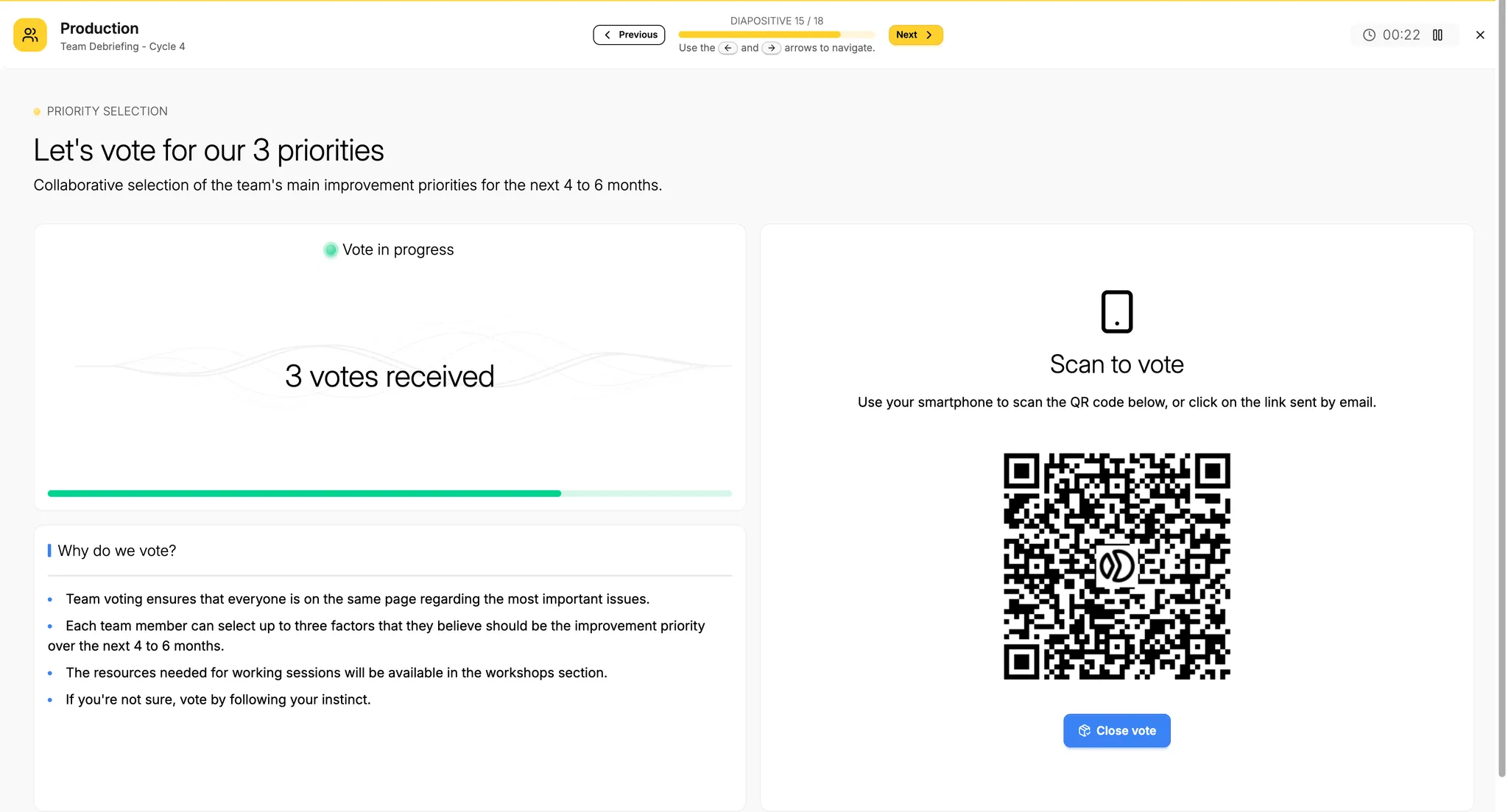
Online voting system for quick alignment
Once the discussion surfaces candidate priorities, the team votes online in minutes, turning a conversation into a decision everyone took part in.
Use the QR code to vote during the workshop
Each participant scans a QR code shown on screen and votes from their own phone, with no account to create and no app to install.
Vote is limited to only actionable items
The vote is restricted so the team works on root causes, not symptoms, cutting time to impact and making sure the effort actually pays off.
Maximum 3 factors by cycle
Each cycle is capped at three factors, keeping the team's effort concentrated on what will move the needle instead of spread across everything at once.
Watch votes come in with a live progress bar
A real-time progress bar tracks the vote as it happens, so the room can see participation build and knows exactly when everyone has weighed in.
Agree not just what to improve, but how
Agree as a team not just what to improve, but in what order and how to do it.
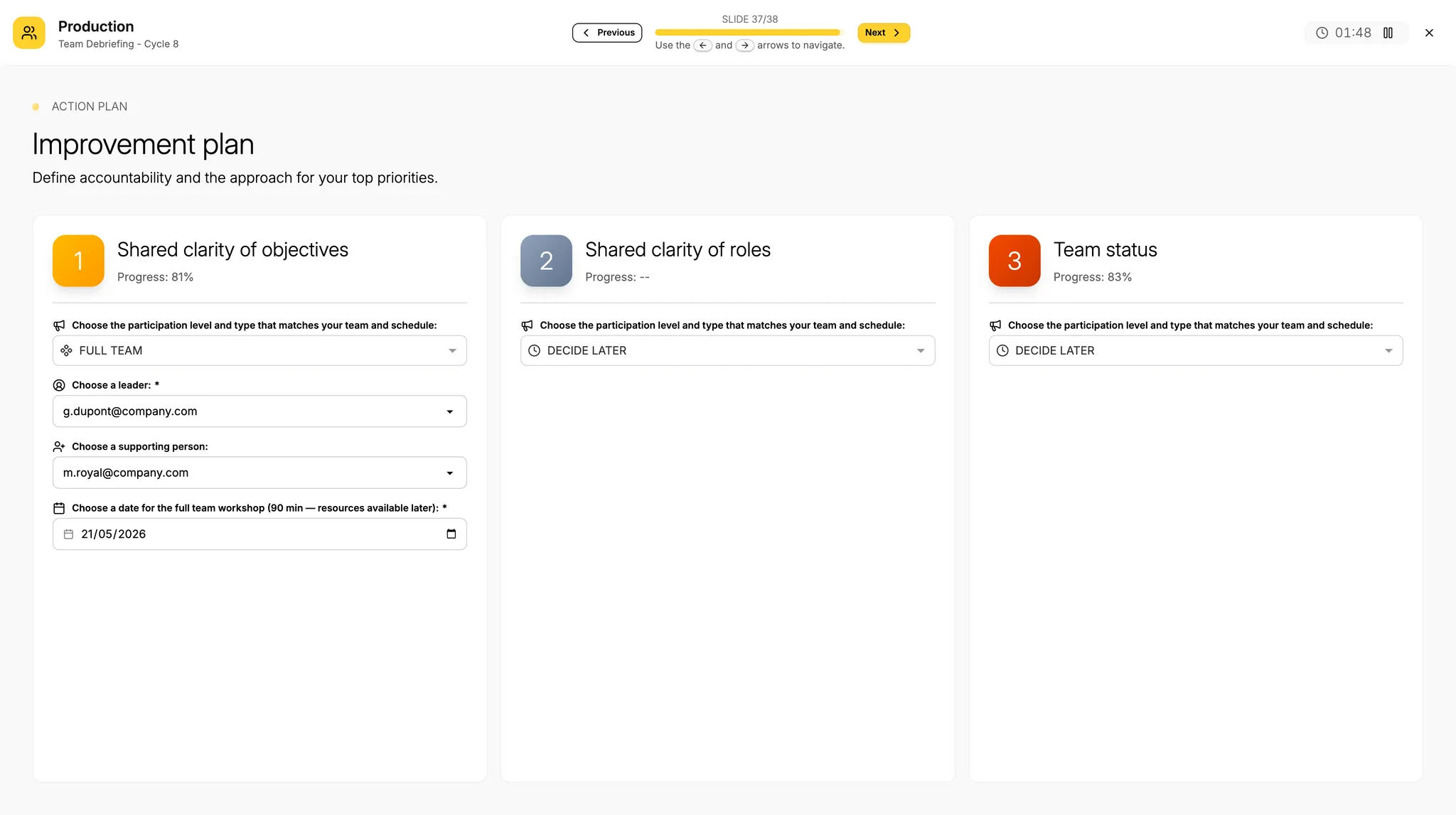
A light planning interface to act
Once priorities are voted, the team moves straight into a lightweight planning interface built to turn a decision into action, not into a new project to manage.
Define what style of management you want to use as a team to improve
The team chooses how it wants to drive the improvement itself, from fully centralized to fully collaborative, and the plan reflects that choice.
Set up who is the owner
Every upvoted factor gets a named owner, so accountability for the next step is never left implicit.
Set up who is supporting the owner
Owners are never left to act alone: supporting members are assigned alongside them, so the work has more than one pair of hands behind it.
Select a dedicated time to improve the upvoted factors
A dedicated slot is set aside to work the upvoted factors, so improvement has a place on the calendar instead of competing with everything else.